“How much does it cost to build an AI tool?” It is the first question almost every business owner asks us, and it is a smart one. You want to know whether a custom AI tool is a sensible investment before you fall in love with the idea.
The honest answer: a custom AI tool can cost anywhere from a few thousand dollars for a focused chatbot to six figures for an advanced AI platform. In this guide, we break down typical AI tool development costs in 2026 by tool type, the seven factors that decide your price, the hidden costs most businesses forget, and how to keep your project on budget. Note: the ranges below reflect typical industry pricing, not a quote. At 3BTech, every project is scoped individually and you get transparent, fixed pricing after a free consultation.
The Short Answer: Typical Cost Ranges in 2026
If you want a quick ballpark before reading the detail, here are the typical industry ranges we see for custom AI tools:
- AI chatbot or virtual assistant (trained on your docs, FAQs, and policies): $5,000 to $15,000
- Workflow automation tool (AI connecting your apps and removing manual work): $10,000 to $30,000
- Predictive analytics dashboard (forecasting sales, demand, or churn from your data): $15,000 to $40,000
- Document intelligence tool (reading invoices, contracts, or forms automatically): $15,000 to $50,000
- Advanced AI platform (custom model training, multiple integrations, large user base): $40,000 and up
Where your project lands depends on the seven factors below. If you are still deciding what kind of AI tool your business needs, start with our complete guide to building a custom AI tool, which walks through the tool types and the build process step by step.
7 Factors That Decide Your AI Tool’s Price
1. Type and Complexity of the AI
A chatbot answering FAQs from your documentation is far simpler than a tool that trains machine learning models on your proprietary data. The more the AI has to reason, predict, or learn, the more engineering it needs.
2. Your Data: Volume, Quality, and Preparation
AI runs on data. If your data is clean, centralized, and well-organized, costs stay down. If it is scattered across spreadsheets, inboxes, and disconnected systems, data cleanup and pipeline work gets added to the bill. According to Microsoft AI, organizations that combine AI with well-organized business applications see the biggest productivity gains, which is why we audit data readiness during discovery.
3. Integrations With Your Existing Systems
Each system your AI tool must talk to (CRM, ERP, eCommerce platform, support desk) adds design and engineering time. A standalone tool is cheaper than one woven into five different platforms through secure APIs.
4. Design and User Experience
An internal tool used by ten employees can be functional and simple. A customer-facing AI product needs polished, trustworthy UX design, which takes more designer hours. Good design is not decoration: it is what gets your team to actually adopt the tool.
5. The Team Building It
AI projects need senior engineers who understand both machine learning and solid software architecture. Cheaper quotes often mean junior teams, and AI is unforgiving of inexperience: mistakes in model selection or data handling are expensive to fix later.
6. Timeline
A relaxed timeline lets a team work efficiently in planned phases. A rush job needs more people in parallel, which costs more. Planning ahead genuinely saves money.
7. Post-Launch: Retraining, Monitoring, and Support
AI tools improve with use, but that means ongoing work: monitoring performance, retraining models on new data, and adding features. Budget for this from day one instead of treating launch as the finish line.
Hidden Costs Most Businesses Forget
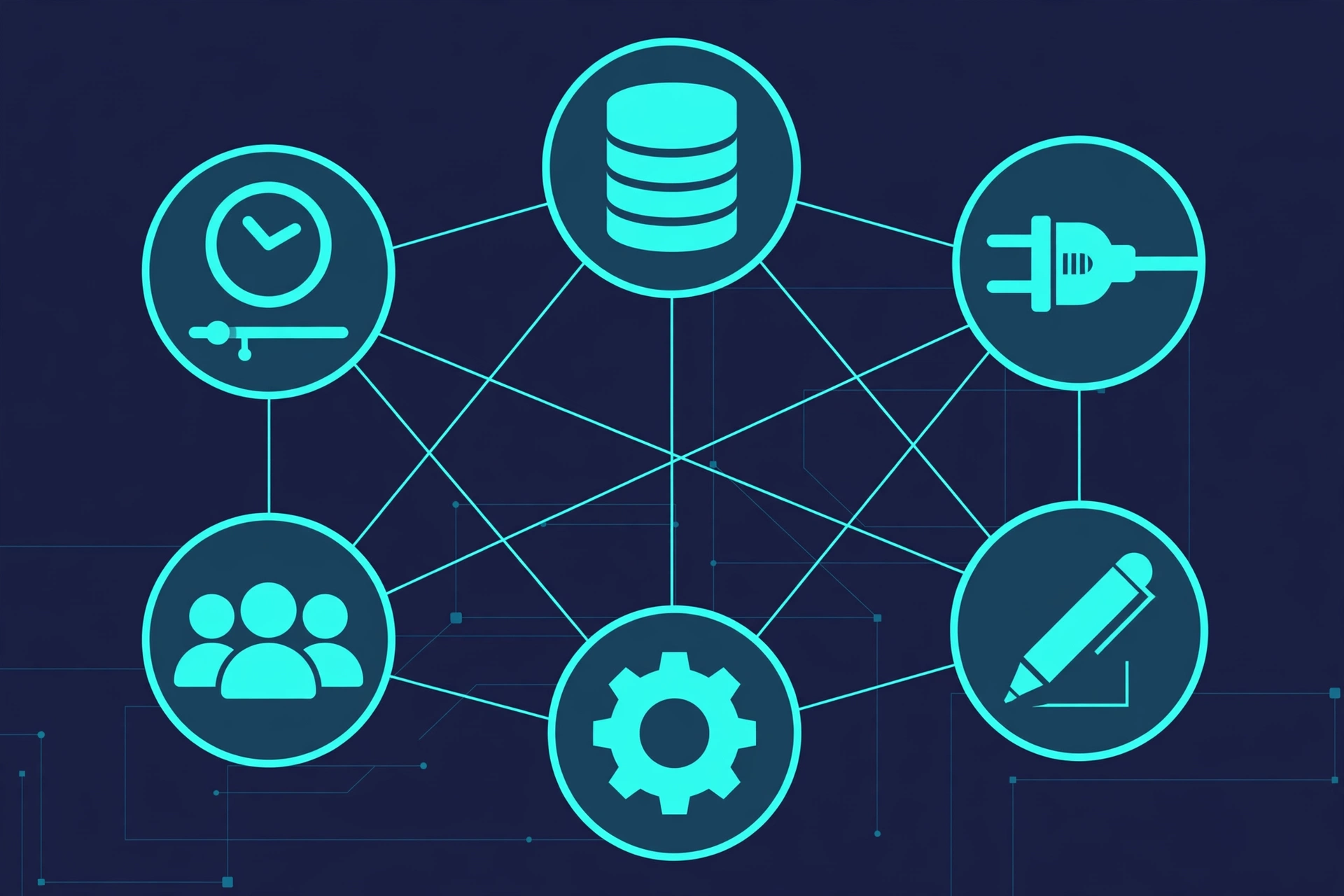
When budgeting, most businesses count the build and forget the rest. Watch out for these:
- Data preparation: cleaning and organizing scattered data before the AI can use it.
- AI API and usage fees: if your tool uses third-party AI models, there are ongoing per-use costs.
- Model retraining: as your business changes, models need refreshing to stay accurate.
- Change management: training your team and adjusting workflows takes time and attention.
- Maintenance and security: updates, monitoring, and security reviews after launch.
A trustworthy partner lists these upfront instead of surprising you later. If a quote seems too good to be true, ask which of these it excludes.
Custom Build vs Off-the-Shelf: The Real Cost Comparison
Off-the-shelf AI tools look cheaper at first: a monthly subscription and you are running. But do the multi-year math. Per-seat fees scale against you as your team grows, you pay for features you never use, and you may still need workarounds for the 20% the tool cannot do.
A custom AI tool is a larger upfront investment, but you own it outright: no per-seat creep, no wasted features, and every capability built for your workflows. For many growing businesses, the custom route becomes cheaper within two to three years, while delivering a tool competitors cannot simply subscribe to. Our breakdown of custom software development costs covers the same logic for software in general.
5 Ways to Keep Your AI Tool Project on Budget
1. Start with an MVP. Build the smallest version that solves your biggest pain, prove the value, then expand. This is the single best way to control cost and risk.
2. Fix your data first. Organizing your data before the build starts removes the most common source of budget overruns.
3. Phase the roadmap. Split nice-to-have features into phase two. You will make better decisions about them once phase one is live.
4. Demand fixed-scope pricing. After discovery, your partner should give you a fixed price for a fixed scope, not an open-ended hourly meter.
5. Choose the right partner once. Rebuilding a botched AI project costs far more than doing it right the first time. Check past work, not just promises.
Get a Fixed, Honest Quote From 3BTech
Ranges are useful, but your business deserves an exact number. Book a free consultation with 3BTech and our senior team will scope your AI tool idea properly, then give you transparent, fixed pricing with no hidden costs. We reply within 24 hours, and if an off-the-shelf tool would serve you better, we will tell you honestly.
Why Businesses Trust 3BTech With Their AI Investment
- Senior engineers only: the people who scope your project are the people who build it.
- Fixed pricing after discovery: you know the full cost before we write a line of code.
- Real software foundations: your AI tool is engineered as secure, scalable software, whether it becomes a SaaS platform or an internal system.
- Support after launch: monitoring, retraining, and improvements on flexible plans.
Prefer email? Reach us directly at hello@hamzataj.com.
Frequently Asked Questions
What is the cheapest way to get a custom AI tool?
Start with a focused MVP: one clear problem, one user group, minimal integrations. A simple AI chatbot or single-workflow automation is the most affordable entry point, and you can expand once it proves its value.
Do I pay once or is there an ongoing cost?
Both. You pay for the build once, then budget for ongoing costs: AI API usage fees (if third-party models are used), hosting, monitoring, periodic retraining, and support. We itemize all of this in your quote.
How long does it take to build a custom AI tool?
A focused tool like a chatbot can take a few weeks; a complex platform with custom model training and multiple integrations takes several months. After a free consultation, you get a clear timeline with milestones.
Can I get an exact quote before committing?
Yes. After a free consultation and discovery, 3BTech provides transparent, fixed pricing for the agreed scope, so there are no surprises mid-project.
