

Running a small business means managing dozens of tasks every day. Responding to customer emails, updating spreadsheets, assigning work, generating reports, and following up with leads can quickly consume valuable time. As businesses grow, these repetitive processes become even harder to manage manually.
This is where AI workflow automation tools make a real difference.
Modern AI-powered automation platforms help businesses reduce manual work, improve accuracy, and complete everyday operations faster. Instead of spending hours on repetitive tasks, teams can focus on customer service, business growth, and strategic decisions.
In this guide, you’ll discover the top AI workflow automation tools for small businesses in 2026, their key features, ideal use cases, and how to choose the right solution for your company.Choosing the right AI Workflow Automation Tools can help businesses reduce manual work, improve productivity, and automate repetitive processes without increasing operational costs.
Why Small Businesses Need AI Workflow Automation Tools
Many small businesses believe automation is only for large enterprises. In reality, smaller companies often benefit the most because they usually work with limited staff and resources.
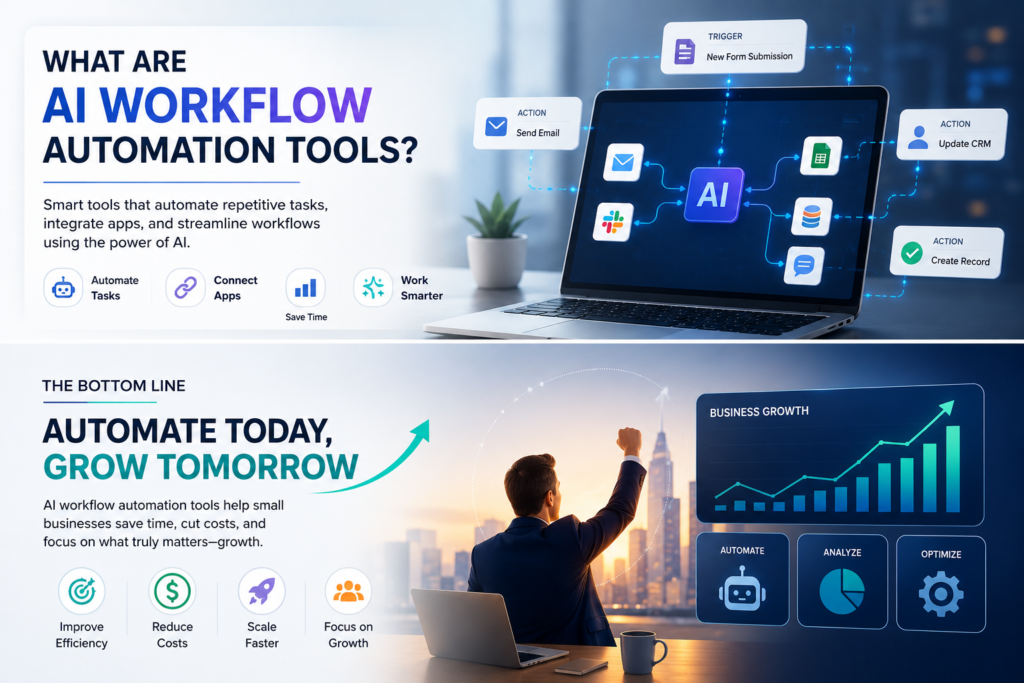
AI workflow automation tools help businesses:
- Reduce repetitive manual work
- Improve team productivity
- Minimize human errors
- Speed up customer response times
- Save operational costs
- Scale business processes efficiently
Whether you manage customer support, sales, HR, finance, or marketing, automation allows your team to accomplish more with less effort.
What Makes a Great AI Workflow Automation Tool?
Not every automation platform is suitable for small businesses. The best solutions are easy to use, affordable, and flexible enough to grow with your company.
Before choosing a platform, consider the following factors.
Ease of Use
A good platform should allow users to build workflows without requiring advanced programming knowledge.
AI Capabilities
Look for tools that include intelligent automation features such as AI assistants, document processing, predictive recommendations, and smart decision-making.
Integration Options
Your automation software should connect easily with platforms like Gmail, Slack, Microsoft 365, Google Workspace, Shopify, HubSpot, Salesforce, and other business applications.
Scalability
Choose a solution that can support your business as it grows without requiring a complete system replacement.
Pricing
Small businesses should focus on platforms that provide strong value without expensive enterprise licensing costs.
Before choosing a platform, it’s worth reviewing trusted industry resources and official documentation. Learn more about OpenAI for the latest advancements in artificial intelligence, explore Microsoft Power Automate for enterprise workflow automation, check Zapier and Make for no-code integrations, and visit n8n if you’re looking for an open-source automation solution. Comparing these official platforms will help you make an informed decision based on your business requirements.
1. Zapier AI
Zapier has become one of the most trusted automation platforms for businesses of every size. With the addition of AI-powered workflows, it now helps companies automate far more than simple task connections.
Instead of manually transferring information between applications, Zapier AI can analyze data, generate content, classify information, summarize emails, and trigger automated workflows.
Best Features
- Connects with thousands of applications
- AI-powered workflow builder
- No-code automation
- Email and document summarization
- Smart task automation
Best For
- Marketing teams
- Sales automation
- Customer support
- Administrative tasks
- Small business operations
Pros
- Beginner-friendly
- Huge integration library
- Fast setup
- Excellent documentation
Cons
- Advanced workflows can become expensive
- Complex automations require premium plans
2. Microsoft Power Automate
Businesses already using Microsoft 365 will find Power Automate to be one of the most powerful AI workflow automation tools available.
It allows organizations to automate approvals, document management, reporting, employee onboarding, and countless internal business processes while integrating directly with Microsoft’s ecosystem.
AI Builder adds intelligent document recognition, invoice processing, prediction models, and automated decision-making capabilities.
Best Features
- Microsoft 365 integration
- AI Builder
- Desktop automation
- Robotic Process Automation (RPA)
- Secure enterprise workflows
Best For
- HR departments
- Finance teams
- Internal business operations
- Enterprise document management
Pros
- Excellent Microsoft integration
- Powerful AI features
- Strong security
- Enterprise-grade automation
Cons
- Learning curve for beginners
- Some AI features require additional licensing
3. Make (Formerly Integromat)
Make provides visual workflow automation that allows businesses to design advanced processes without writing code.
Its drag-and-drop interface gives users complete visibility into every automation step, making it easier to build sophisticated business workflows.
Small businesses often choose Make because it offers more flexibility than many traditional automation platforms.
Best Features
- Visual workflow builder
- AI integrations
- Advanced logic
- Multi-step automation
- Real-time data synchronization
Best For
- Ecommerce
- Marketing agencies
- CRM automation
- Business process automation
Pros
- Highly flexible
- Excellent visual interface
- Affordable pricing
- Supports complex workflows
Cons
- Slightly steeper learning curve than Zapier
- Advanced scenarios require planning
4. n8n
n8n has become increasingly popular among developers and growing businesses because it offers open-source workflow automation with complete customization.
Unlike many commercial platforms, businesses can host n8n on their own servers, giving them full control over security, data, and integrations.
For companies building custom AI solutions, n8n provides exceptional flexibility.
Best Features
- Open-source platform
- Self-hosting option
- AI workflow integration
- Custom scripting
- API automation
Best For
- Development teams
- SaaS companies
- Technology startups
- Custom software businesses
Pros
- Highly customizable
- Cost-effective
- Excellent API support
- Strong developer community
Cons
- Requires technical knowledge
- Self-hosting requires maintenance
5. ClickUp AI
ClickUp is widely known as a project management platform, but its AI-powered automation capabilities have transformed it into a complete productivity solution.
Businesses can automate task creation, project updates, document generation, meeting summaries, and team collaboration from a single platform.
Its AI assistant helps teams work faster while reducing repetitive administrative work.
Best Features
- AI writing assistant
- Task automation
- Project management
- Document generation
- Team collaboration
Best For
- Marketing teams
- Software companies
- Agencies
- Remote teams
Pros
- All-in-one workspace
- Excellent collaboration features
- AI-powered productivity
- Affordable plans
Cons
- Large feature set can feel overwhelming
- Advanced customization takes time
6. Notion AI
Notion AI combines note-taking, project management, and AI-powered productivity in one platform. It helps businesses organize information while automating documentation and daily workflows.
Teams can generate meeting notes, summarize documents, create task lists, and draft content within seconds. This reduces manual work and keeps everyone aligned.
Best Features
- AI writing assistant
- Meeting summaries
- Smart document creation
- Task management
- Knowledge base
Best For
- Startups
- Marketing teams
- Small businesses
- Remote teams
Pros
- Simple interface
- Great collaboration
- Built-in AI assistant
- Affordable pricing
Cons
- Limited workflow automation compared to dedicated automation platforms.
7. HubSpot AI
HubSpot AI helps businesses automate marketing, sales, and customer service. It reduces repetitive work while improving customer engagement.
The platform automatically scores leads, drafts emails, creates reports, and manages customer interactions. Small businesses can save time without sacrificing customer experience.
Best Features
- AI email generation
- Lead management
- CRM automation
- Marketing workflows
- Customer support automation
Best For
- Sales teams
- Marketing agencies
- Growing businesses
Pros
- Powerful CRM
- Excellent automation
- Easy reporting
- Scalable platform
Cons
- Premium plans can be expensive.
8. Monday.com AI
Monday.com combines project management with intelligent workflow automation. Businesses can automate approvals, notifications, task assignments, and recurring work.
Its AI capabilities help teams prioritize tasks, generate updates, and improve project visibility across departments.
Best Features
- AI project management
- Workflow automation
- Smart notifications
- Team collaboration
- Dashboard reporting
Best For
- Agencies
- Software companies
- Operations teams
Pros
- User-friendly
- Flexible workflows
- Strong collaboration
- Visual dashboards
Cons
- Some advanced AI features require higher-tier plans.
9. Airtable AI
Airtable AI transforms spreadsheets into powerful business databases with automation capabilities. It allows companies to organize information while automating repetitive processes.
Businesses can categorize records, summarize information, and automate workflows without writing code.
Best Features
- AI data organization
- Workflow automation
- Smart databases
- Team collaboration
- Custom views
Best For
- Operations
- Marketing
- Content management
Pros
- Flexible database
- Easy customization
- Good integrations
- Clean interface
Cons
- Advanced setups require planning.
10. Asana AI
Asana AI helps businesses manage projects while reducing repetitive project management tasks. It automatically creates task summaries, prioritizes work, and identifies project risks.
Teams can spend less time managing projects and more time delivering results.
Best Features
- AI task management
- Workflow automation
- Project tracking
- Team collaboration
- Smart reporting
Best For
- Agencies
- Product teams
- Business operations
Pros
- Excellent project management
- Easy collaboration
- AI-powered insights
- Reliable performance
Cons
- Large teams may require premium plans. The best AI Workflow Automation Tools are those that integrate with your existing software, support business growth, and simplify everyday operations.
How to Choose the Right AI Workflow Automation Tool
Every business has different requirements. The best platform depends on your existing software, budget, and business processes.
If you need simple automation, choose a platform with an easy setup. If your business requires advanced workflows, select a solution that offers AI capabilities, integrations, and room for future growth.
Always start with your biggest repetitive tasks. The right automation tool should solve real business problems instead of adding unnecessary complexity.Many companies invest in AI Workflow Automation Tools without first identifying the workflows that need automation. Planning before implementation leads to better long-term results.
Common Mistakes to Avoid
Many businesses purchase automation software before identifying the processes they actually want to improve. This often leads to wasted time and poor adoption.
Avoid automating broken workflows. First improve the process, then automate it. Also choose tools that integrate with your existing systems to prevent data silos and manual work. As more organizations embrace digital transformation, AI Workflow Automation Tools are becoming an essential part of improving efficiency, reducing errors, and scaling business operations.
Final Thoughts
AI workflow automation tools are no longer limited to large enterprises. Small businesses can now automate repetitive work, improve productivity, and reduce operating costs using affordable AI-powered platforms.
Whether you choose Zapier AI, Microsoft Power Automate, Make, n8n, or another solution, the key is selecting software that supports your business goals. Start with one workflow, measure the results, and expand automation as your business grows.
AI Workflow Automation for Small Businesses: The Ultimate Guide to Save Time and Reduce Costs
The Complete Guide to Mobile App Development in 2026: Cost, Process & Best Practices
Why AI-Generated Apps Fail: 10 Mistakes to Avoid in 2026
Future-Proof Your Business with AI Automation
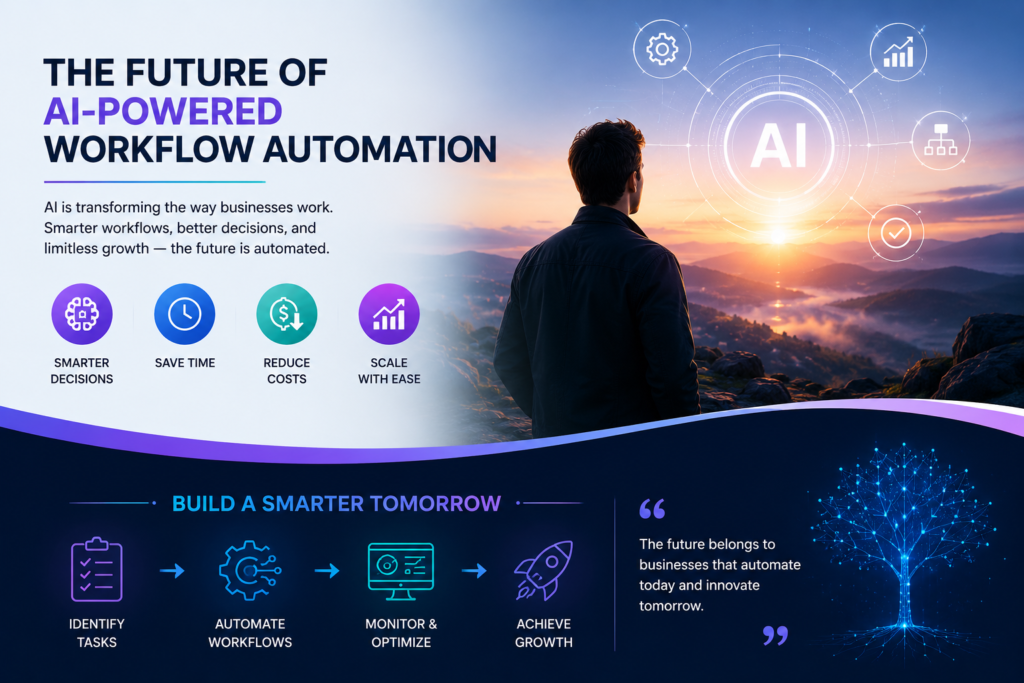
As artificial intelligence continues to reshape the way organizations operate, businesses that embrace automation today will be better prepared for tomorrow’s challenges. Modern companies are no longer relying on manual processes to manage daily operations. Instead, they are adopting AI Workflow Automation Tools to streamline workflows, improve collaboration, reduce operational costs, and make faster, data-driven decisions. Whether you’re a startup or an established business, investing in intelligent automation creates a stronger foundation for sustainable growth, improved customer experiences, and long-term competitiveness in an increasingly digital marketplace.
Frequently Asked Questions
Which AI workflow automation tool is best for small businesses?
Zapier AI is an excellent choice for beginners because it is easy to use and connects with thousands of applications. Businesses with more advanced requirements may prefer Microsoft Power Automate or Make.
Are AI workflow automation tools expensive?
Many platforms offer free plans or affordable monthly subscriptions. Small businesses can start with basic features and upgrade as their automation needs grow.
Can AI workflow automation replace employees?
No. These tools automate repetitive tasks but still require human oversight, decision-making, and strategic planning. They are designed to improve productivity rather than replace skilled employees.
Which industries benefit most from AI workflow automation?
Retail, healthcare, finance, ecommerce, marketing, logistics, customer support, and professional services all benefit from automating repetitive business processes.
Ready to Automate Your Business?
At 3BTech, we help businesses implement AI workflow automation solutions that improve efficiency, reduce costs, and scale operations. Whether you need process automation, AI integration, or custom software development, our experts can build solutions tailored to your business goals.
Contact 3BTech today to discuss your AI automation project.