If you are searching for AI tools in 2026, you are not alone. Business owners everywhere are looking for ways to use artificial intelligence to save time, cut costs, and serve customers better. But here is the problem most of them run into: the AI tools they find online are built for everyone, which means they fit no one perfectly.
Building a custom AI tool for your business changes that completely. Instead of forcing your team to adapt to generic software, you get an AI tool designed around your exact workflows, your data, and your customers. In this guide, we will walk you through what a custom AI tool is, how the build process works, what it costs, and the mistakes to avoid, so you can move from idea to launch with confidence.
What Is a Custom AI Tool, Exactly?
A custom AI tool is a software application built specifically for your business that uses artificial intelligence to perform a job: answering customer questions, automating repetitive work, predicting demand, or analyzing documents. Unlike subscription-based AI platforms, it is designed around your processes, integrates with your existing systems, and grows with you.
Here are the most common types of custom AI tools businesses ask us to build:
- AI chatbots and virtual assistants trained on your products, policies, and FAQs to support customers 24/7.
- Workflow automation tools that connect your apps and remove manual, repetitive tasks from your team’s day.
- Predictive analytics dashboards that forecast sales, demand, or churn from your own business data.
- Document intelligence tools that read invoices, contracts, or forms and extract the data you need in seconds.
- Recommendation engines that personalize product suggestions and increase average order value.
If you are exploring what AI can do across departments, our guide to AI workflow automation tools for small businesses is a good starting point before you decide what to build.
Off-the-Shelf AI Tools vs Custom AI Tools
Most businesses start with off-the-shelf AI tools, and that is a sensible first step. They are quick to try and cheap to start. But as the business grows, the limitations start to hurt: limited customization, restricted integrations, standardized workflows, and your data sitting on someone else’s platform.
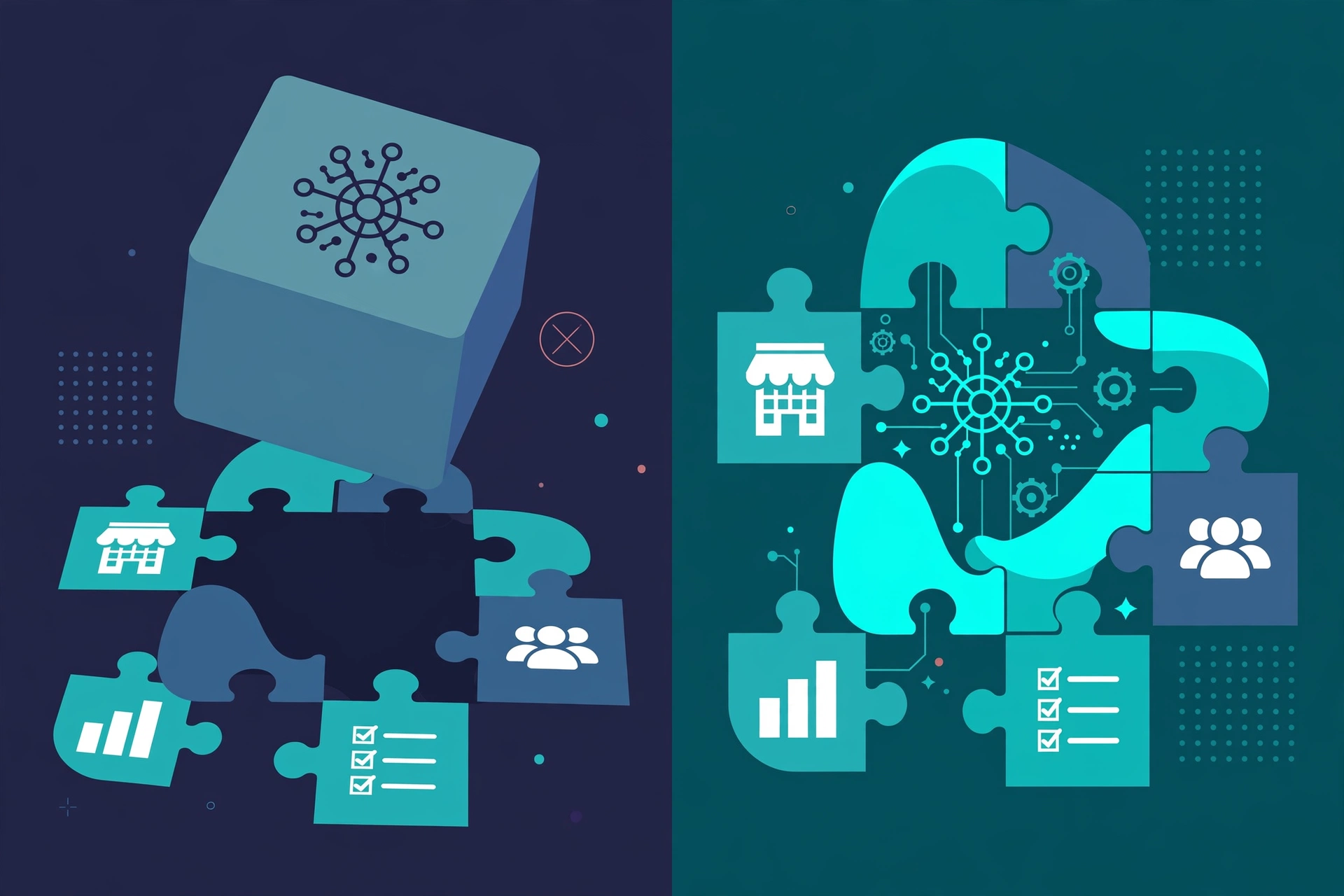
A custom AI tool flips this around. Every feature, integration, and automation is built for how your business actually operates. You own the data, you control the roadmap, and you are not paying per-seat fees that scale against you. This is why businesses combining AI with software built for their operations see stronger long-term results, a point we explored in depth in AI custom software for modern businesses.
The simple rule: if an off-the-shelf tool covers 90% of what you need, use it. If you are bending your processes to fit the tool, it is time to build your own.
Have an AI Tool Idea? Let Us Scope It Together
Every successful AI tool starts with a clear-eyed look at the problem it should solve. Book a free consultation with 3BTech and our senior team will help you turn your idea into a practical build plan, with honest advice on whether you even need a custom build. We reply within 24 hours.
The 5-Step Process to Build a Custom AI Tool
Building an AI tool is not magic. It is a disciplined engineering process. Here is the exact process we follow at 3BTech for every AI project:
Step 1: Discovery, Define the Problem, Not the Technology
We start by understanding the business problem in plain language. What task eats your team’s time? Where do errors happen? What would success look like in numbers? The output of this phase is a sharp problem statement and a clear definition of what the AI tool must do, and just as importantly, what it should not do. Skipping this step is the number one reason AI projects fail.
Step 2: Data Strategy, the Fuel of Every AI Tool
AI is only as good as the data it learns from. In this phase, we audit your existing data: where it lives, how clean it is, and whether there is enough of it. Many businesses discover their data is scattered across spreadsheets, inboxes, and disconnected systems. We plan how to collect, clean, and connect it, because according to Microsoft AI, organizations that combine AI with well-organized business applications see the biggest productivity gains.
Step 3: Design the Experience
An AI tool nobody enjoys using is a failed tool. Our designers map the user journey and build interfaces that make the AI feel simple and trustworthy: clear inputs, transparent outputs, and human review where it matters. Good UI/UX design is what separates an AI demo from an AI product your team actually adopts.
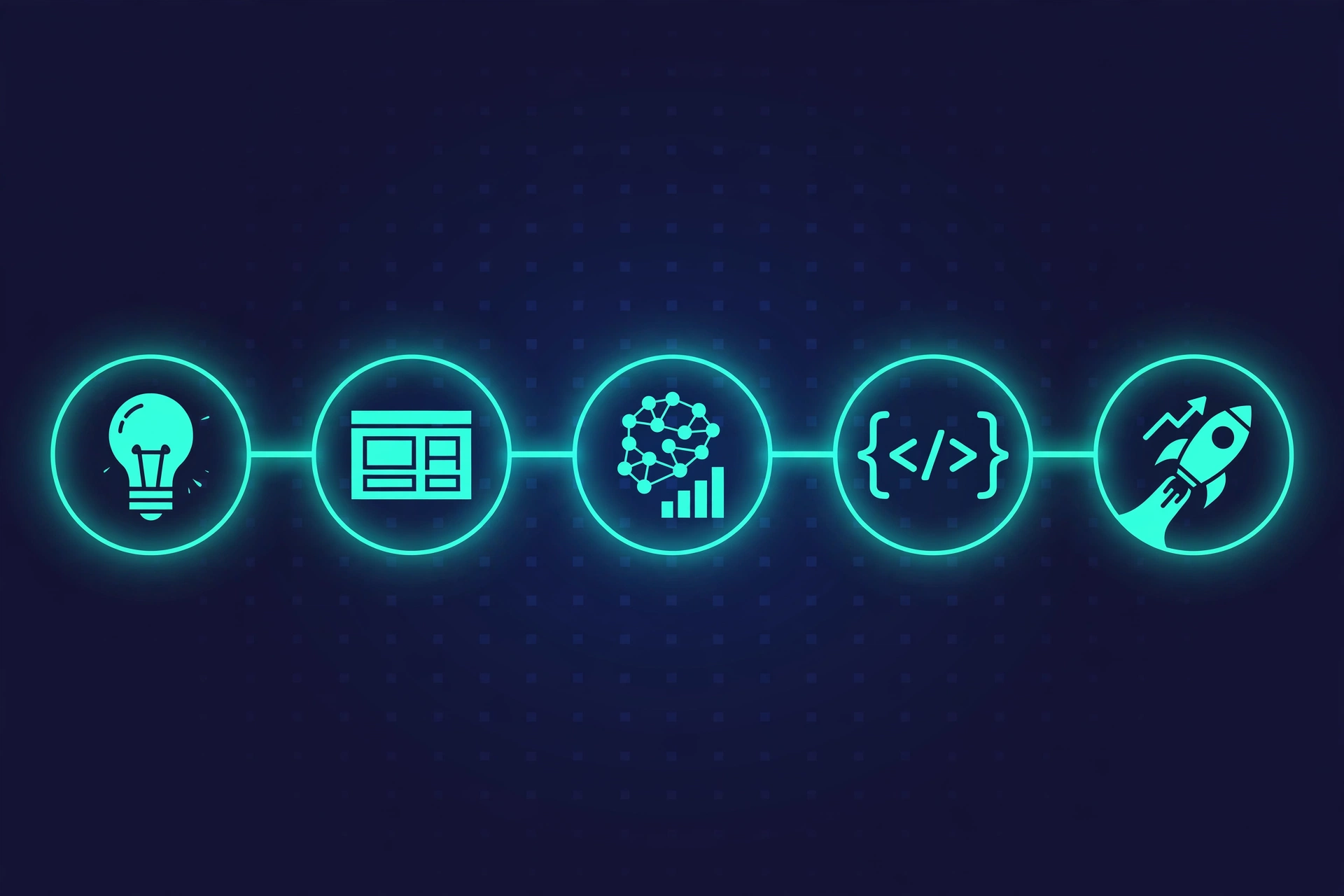
Step 4: Build, Train, and Integrate
This is where engineering happens. We select the right AI models for the job (large language models, machine learning classifiers, or a combination), train or fine-tune them on your data, and build the application around them. The tool is integrated with your existing systems, CRM, eCommerce platform, or internal dashboards, through secure APIs. Everything is built on the same secure, scalable foundations as our custom software development work.
Step 5: Test, Launch, and Keep Improving
AI tools improve with use. We test rigorously across real-world scenarios, launch to a pilot group first, then roll out fully. After launch, we monitor performance, retrain models on new data, and add capabilities as your needs evolve. As Google Cloud AI guidance emphasizes, continuous monitoring and iteration are what keep AI systems reliable and secure over time.
How Much Does It Cost to Build a Custom AI Tool in 2026?
This is the question every business asks, and the honest answer is: it depends on scope. A focused AI chatbot trained on your documentation costs far less than a multi-model analytics platform with custom integrations. The main cost factors are:
- Complexity of the AI: a simple assistant vs. a tool that trains models on your proprietary data.
- Data readiness: clean, centralized data keeps costs down; scattered data needs preparation work.
- Integrations: each system the tool must connect to (CRM, ERP, eCommerce) adds engineering time.
- Design ambition: an internal tool can be functional; a customer-facing product needs polished UX.
- Ongoing improvement: budget for monitoring, retraining, and iteration after launch.
At 3BTech, every project is scoped individually. After a free consultation, you get transparent, fixed pricing with no hidden costs, so you know exactly what your AI tool will cost before we write a line of code.
5 Mistakes Businesses Make When Building AI Tools
1. Starting with the technology instead of the problem. “We need AI” is not a strategy. “We need to cut support ticket response time from 4 hours to 10 minutes” is.
2. Underestimating the data work. Most AI project timelines slip because of messy, scattered data, not because of the AI itself. Audit your data early.
3. Expecting perfection on day one. AI tools get smarter with feedback. Plan for a pilot phase and continuous improvement instead of a big-bang launch.
4. Ignoring the user experience. The best model in the world fails if your team finds the tool confusing. Design for the humans using it.
5. Choosing the wrong build partner. AI projects need senior engineers who understand both machine learning and solid software architecture. Ask for past work, not just promises.
Why Businesses Choose 3BTech to Build Their AI Tools
Building an AI tool is a serious investment, and the team behind it matters more than the technology stack. Here is what you get with 3BTech:
- Senior team, no hand-offs. The people you meet in discovery are the people who build your tool.
- End-to-end delivery. Strategy, design, AI engineering, and integrations under one roof, from first call to launch and beyond.
- Real software foundations. Your AI tool is built as proper, secure, scalable software, whether it is a SaaS platform, a mobile app, or an internal dashboard.
- Honest scoping. If an off-the-shelf tool would serve you better, we will tell you. We would rather earn your trust than sell you a build you do not need.
- Support after launch. Monitoring, retraining, and new features on flexible plans, so your AI tool keeps improving year after year.
Ready to Build Your AI Tool? Let Us Talk
You searched for AI tools because you want your business to work smarter. A custom AI tool built around your workflows, your data, and your customers is how you get there. Book your free consultation today: tell us about your idea, and within 24 hours you will have honest feedback and a clear path forward. No obligation, no jargon, just a plan.
You can also reach us directly at hello@hamzataj.com.
Frequently Asked Questions
How long does it take to build a custom AI tool?
Timelines depend on scope and complexity. A focused AI chatbot can take a few weeks, while a complex platform with custom model training and multiple integrations takes several months. After a free consultation, you receive a clear timeline with milestones before we begin.
Do I need a lot of data to build an AI tool?
Not necessarily. Many effective AI tools use pre-trained models fine-tuned on a modest amount of your business data. What matters more is that your data is relevant and reasonably organized. We audit this during discovery and tell you honestly what is needed.
Can a custom AI tool integrate with my existing software?
Yes. Custom AI tools are typically integrated with your CRM, eCommerce platform, support desk, or internal systems through secure APIs, so the AI works inside the workflows your team already uses.
Is my business data safe in a custom AI tool?
Yes, and this is one of the biggest advantages of building custom. Your data stays in infrastructure you control, with proper access controls and security practices, instead of flowing through a third-party platform’s servers.
